
Introduction – Format Constraints on Portals
When preparing documents for online applications, you might think any image format is acceptable as long as the photo is clear. However, uploading the wrong format can cause errors on the registration page.
Most competitive exam boards in India, such as NTA, SSC, UPSC, and IBPS, strictly mandate **JPG or JPEG** file formats for photographs and signatures. PNG uploads are typically rejected by these portals. This guide explains why this preference exists and how to manage image formats for your forms.
What is JPG/JPEG?
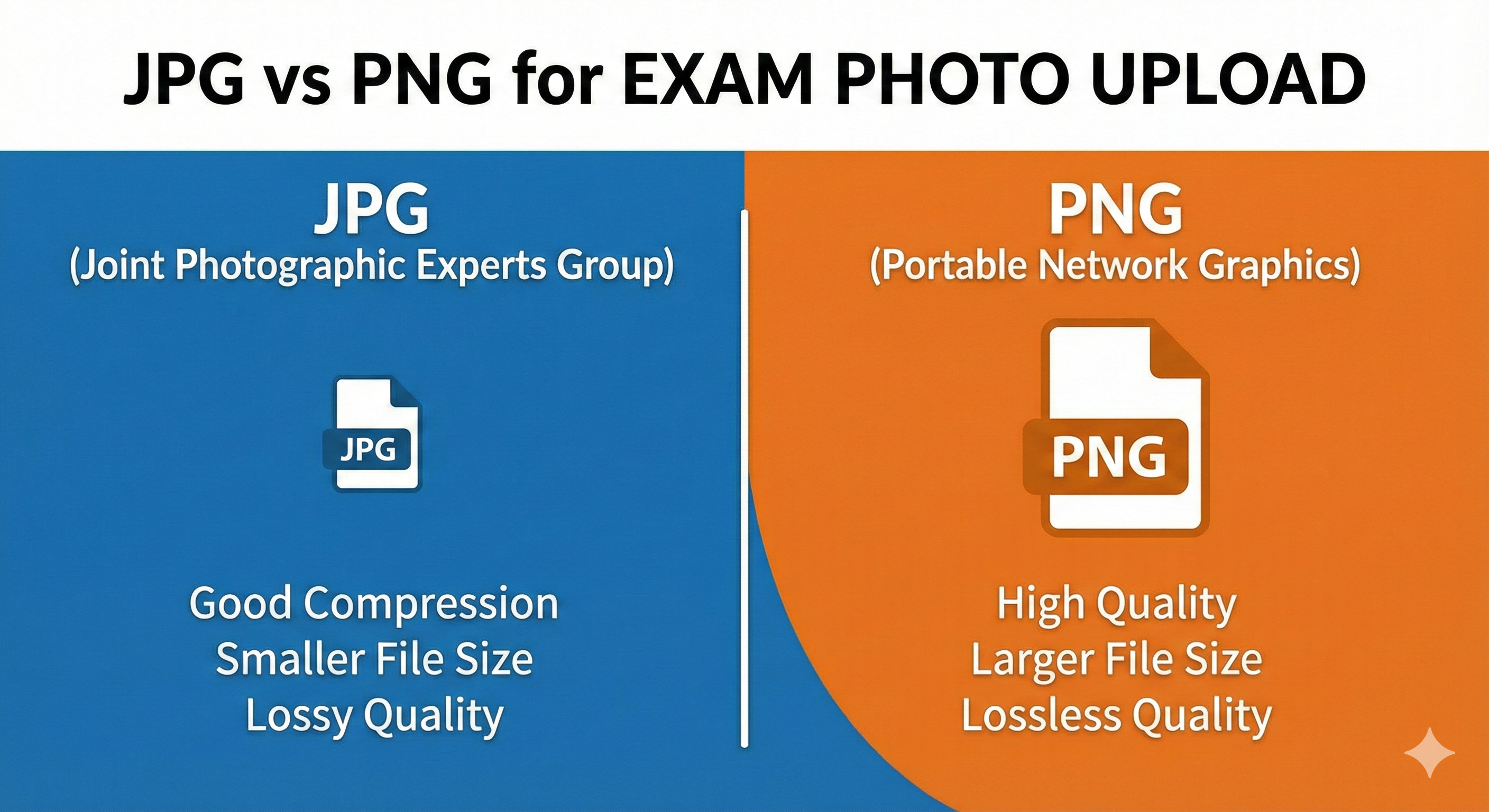
JPG (Joint Photographic Experts Group) is the standard image format used for digital photographs.
- Pros: High compression efficiency, small file sizes (often under 30 KB for portraits), and universal compatibility across all web portals.
- Cons: Uses lossy compression, meaning the image quality drops slightly each time you edit and save the file.
- Verdict: This is the standard format for online exam forms. It is efficient to upload and processes quickly.
What is PNG?
PNG (Portable Network Graphics) is a popular image format designed for web graphics and logos.
- Pros: Uses lossless compression, meaning the image retains perfect quality. It also supports transparent backgrounds.
- Cons: Produces much larger file sizes than JPGs, often exceeding the 50 KB limits of exam portals.
- Verdict: Good for saving original signatures or high-quality source graphics, but should not be uploaded directly to portals.
JPG vs PNG Technical Comparison
Here is a summary of the differences between the two formats for application forms:
| Feature | JPG / JPEG Format | PNG Format |
|---|---|---|
| Compression Type | Lossy (discards minor visual details) | Lossless (retains all image details) |
| Typical Size (150x200 px) | 8 KB to 25 KB | 40 KB to 120 KB |
| Transparency Support | No (fills transparent areas with white/black) | Yes |
| Portal Acceptance | Globally accepted by all Indian exams | Strictly rejected by most portals |
| Best Use Case | Uploading final photos and signatures | Archiving high-resolution source scans |
Other Formats (HEIC, WEBP, PDF)
Be aware of other image formats that can cause upload issues:
- HEIC/HEIF: The default format for photos captured on modern iPhones. Exam portals do not accept this format. You must convert HEIC files to JPG before uploading.
- WEBP: A modern web image format. While it offers good compression, it is not yet supported by older government servers.
- PDF: Used for uploading multi-page certificates (caste, degree, PwD), but is not accepted for photographs or signatures.
How to Convert PNG/HEIC to JPG Correctly
To convert your files securely without using external servers, you can use MyExamPhoto's free tools:
- Open the MyExamPhoto home page. Select your target exam preset.
- Upload your PNG, HEIC, or WEBP image.
- The tool will automatically process the image in your browser and convert it to a compliant JPG file.
- Adjust the crop box to center your head and shoulders, then download the optimized JPG file.
📸 Before You Upload Your Photo
Don't risk application rejection! Use our free tool to resize your photo to exact exam specifications.
Create Perfect Exam Photo →