
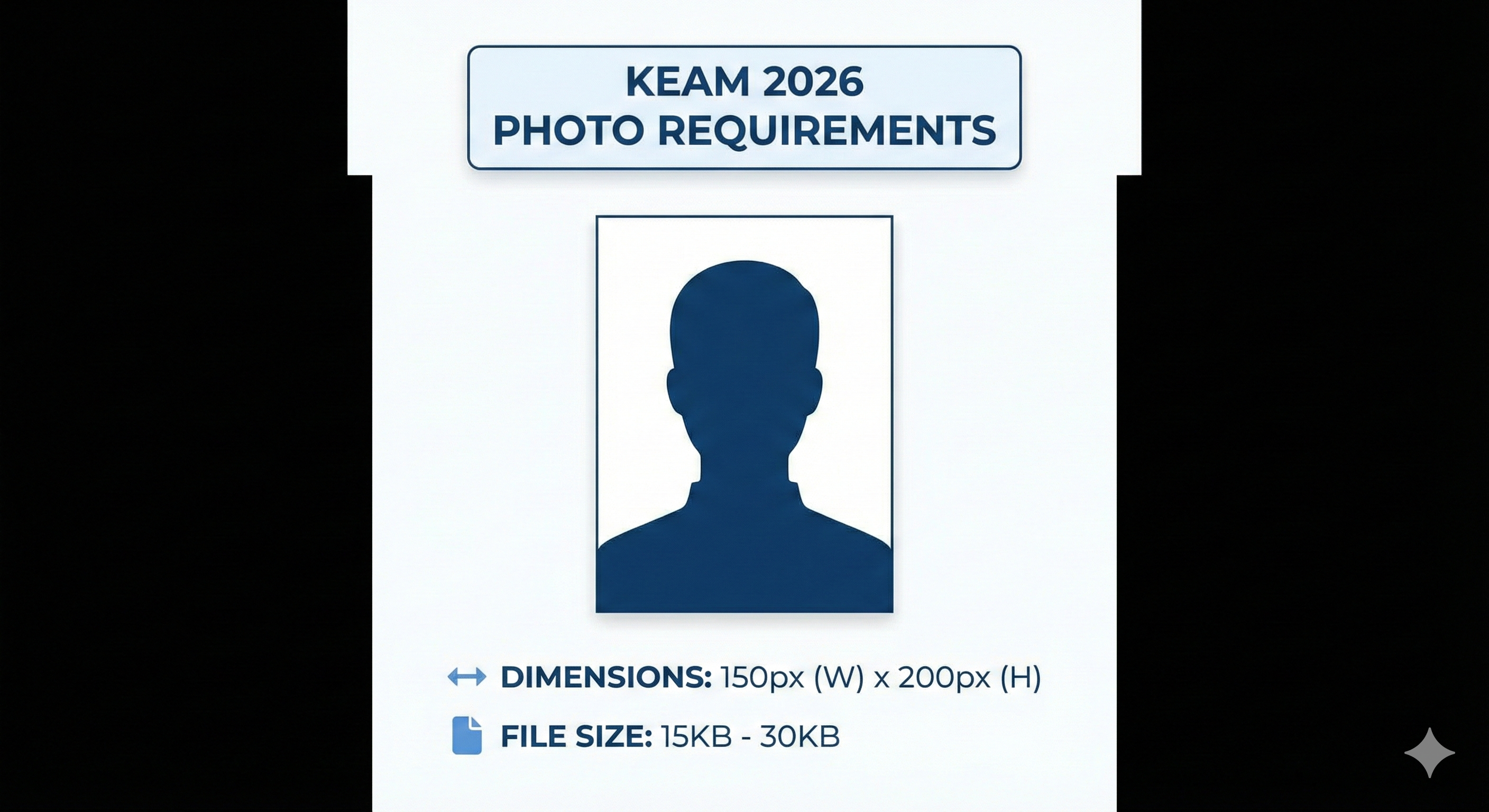
Introduction – KEAM 2026 Registration Overview
The Kerala Engineering Architecture Medical (KEAM) entrance exam is a state-level screening test administered by the Commissioner for Entrance Examinations (CEE) Kerala. Thousands of aspirants register for KEAM each year to secure professional course seats in engineering, architecture, pharmacy, medicine, and allied branches within the state.
During the online registration process on the CEE candidate portal, aspirants must upload several documents, including their photograph and signature. CEE Kerala uses precise dimensions and strict validation checks. Any deviation from the recommended parameters triggers a "memo" or application defect. If you do not resolve these defects before the deadline, you will be disqualified from the admission process.
This article provides the official guidelines for sizing, formatting, and stamping your KEAM documents to ensure a hassle-free, successful submission.
KEAM Photo Specifications (Detailed Breakdown)
The photograph you upload to the KEAM portal is used for your admission card, exam hall verification, and final allotment logs. It must be professional and compliant:
| Parameter | CEE Kerala Mandatory Specification |
|---|---|
| Image Resolution | Exactly 150 pixels (Width) × 200 pixels (Height) |
| File Type | JPG / JPEG format only (PNG/HEIC not accepted) |
| File Size Window | 15 KB to 30 KB (strictly enforced) |
| Background Color | Plain white or solid light color |
| Face Coverage | 80% area showing full face with both ears visible |
| Recency | Taken within 6 months of the application release |
| Name & Date Stamp | Mandatory white border at bottom with name & date taken |
| Spectacles Rules | Allowed if worn regularly; no dark lenses, no flash glare on glass |
| Caps / Headgear | Strictly prohibited (except for documented religious practices) |
Rules for the Name & Date Stamp Band
Similar to Kerala PSC, CEE Kerala requires a white rectangular band at the bottom of the photograph. This band must contain:
- Line 1: The candidate's name (in UPPERCASE letters matching secondary school records).
- Line 2: The date the photograph was clicked (formatted as DD/MM/YYYY, e.g., 20/02/2026).
Do not write this information by hand on the printout and scan it. It must be edited digitally into the image. Ensure the font is clean, legible, and black.
Signature Specifications
Your signature represents your consent on the application portal. It will be verified against your signature in the examination hall attendance log. Follow these requirements:
| Parameter | CEE Kerala Signature Specification |
|---|---|
| Image Resolution | Exactly 150 pixels (Width) × 100 pixels (Height) |
| File Type | JPG / JPEG format only |
| File Size Window | 10 KB to 30 KB |
| Writing Instrument | Black or blue ink ballpoint pen |
| Background Paper | Clean, unruled, solid white paper |
Nativity & Category Document Requirements
Apart from the photo and signature, KEAM candidates must upload documents proving nativity and reservation status. Nativity determines your eligibility for government seats inside Kerala.
Accepted nativity documents include:
- Nativity Certificate: Issued by a Village Officer.
- SSLC Book Page: Showing the candidate's place of birth in Kerala.
- Passport: Valid Indian passport showing place of birth in Kerala.
- Parent's SSLC + Nativity: If candidate was born outside Kerala, parent's SSLC showing place of birth in Kerala along with relationship proof.
These supporting documents must be uploaded in **PDF format** only, with file sizes typically limited to **300 KB or 500 KB** per document. Ensure the PDF scans are highly legible.
Step-by-Step Document Preparation Guide
To prepare your photo and signature without needing premium desktop software:
- Take a clear, straight-on headshot against a white wall. Use good lighting to avoid facial shadows.
- Write your signature clearly on a white piece of paper using a black pen and take a clear photograph of it in bright light.
- Open our free online resizer tool. Select the **KEAM** preset.
- Upload your headshot. Type your name and the date in the stamp fields. Our tool will automatically render the white band with black text at the bottom.
- Adjust the cropping box to cover your head and shoulders, occupying 80% of the frame.
- Download the resized image. The tool ensures it is exactly 150x200 pixels and between 15-30 KB.
- Repeat the process for the signature by choosing the **KEAM Signature** preset to download a 150x100 pixels JPG.
📸 Before You Upload Your Photo
Don't risk application rejection! Use our free tool to resize your photo to exact exam specifications.
Create Perfect Exam Photo →