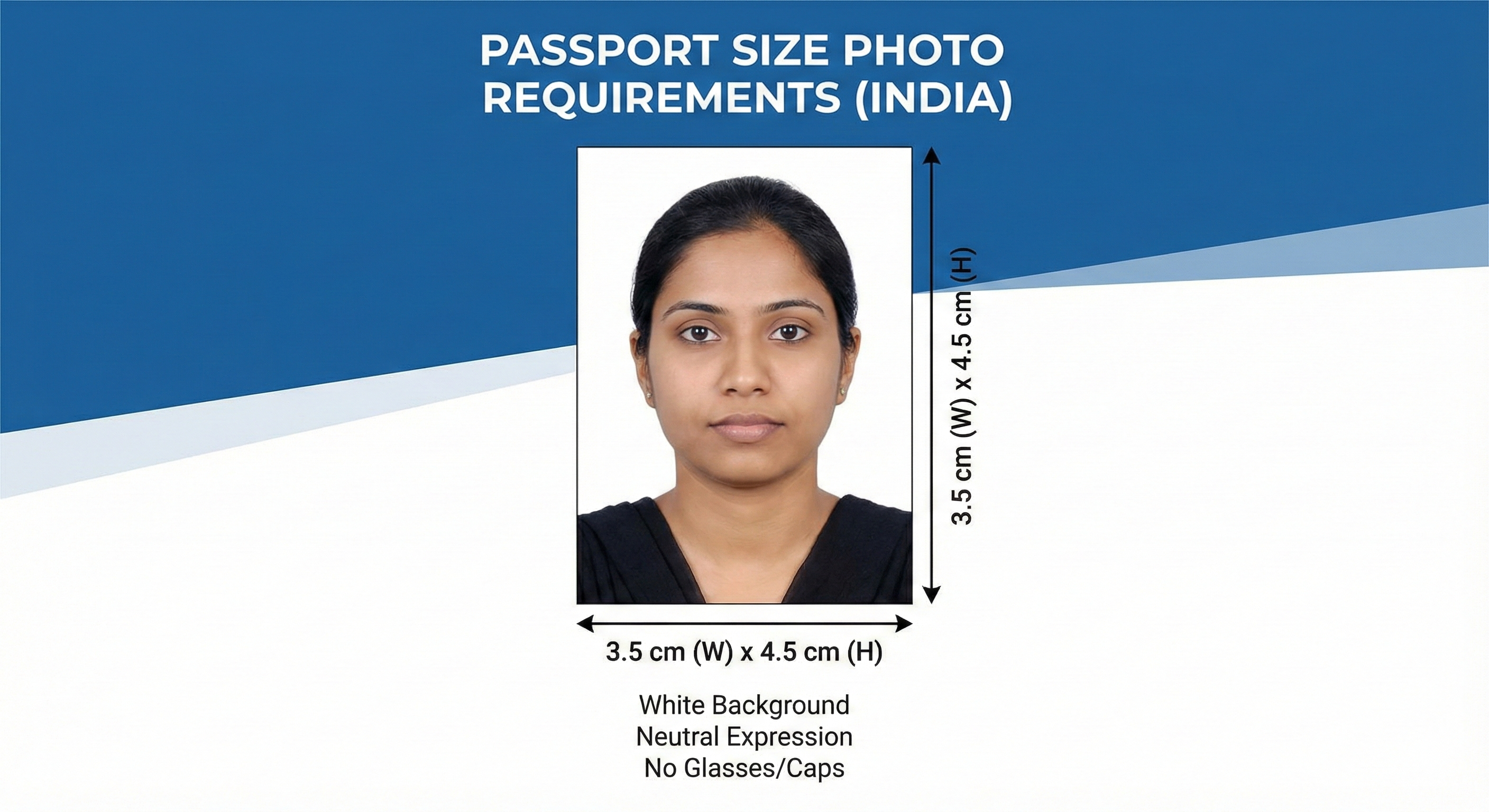
Applying for competitive exams in India can be a daunting task, and one of the most common reasons for application rejection is an incorrect photograph or signature upload. Each exam authority—whether it's NTA, UPSC, SSC, or state PSCs—has its own specific set of rules regarding photo dimensions, file size, background color, and date stamping.
This comprehensive guide covers everything you need to know to prepare your documents perfectly for the 2026 exam season.
Why Photo Specifications Matter
Exam authorities use automated software to scan and verify applications. If your photo doesn't meet the exact pixel dimensions or file size limits (e.g., between 10KB and 200KB), the system may reject it instantly. Even if it uploads successfully, a blurry or non-compliant photo can lead to disqualification at the exam center.
Quick Reference Chart: Top Exams 2026
| Exam | Dimensions | File Size | Special Rules |
|---|---|---|---|
| NEET UG | Passport: 2.5x3.5 inch Postcard: 4x6 inch |
10-200 KB | White background, 80% face coverage. Read NEET Guide |
| JEE Main | 3.5 cm x 4.5 cm | 10-200 KB | White background preferred. Read JEE Guide |
| Kerala PSC | 150 x 200 px | Max 30 KB | Date Stamp Required: Name & Date of photo at bottom. Read PSC Guide |
| UPSC Civil Services | 350 x 350 px | 20-300 KB | Square aspect ratio. Name & Date often required. |
| SSC CGL/CHSL | 100 x 120 px | 20-50 KB | No spectacles, clear ears. |
| KEAM | 150 x 200 px | 15-30 KB | Similar to Kerala PSC but check specific prospectus. Read KEAM Guide |
Detailed Guidelines by Exam Type
1. Engineering & Medical Entrance (NTA)
The National Testing Agency (NTA) conducts NEET, JEE Main, and CUET. Their guidelines are generally consistent:
- Format: JPG/JPEG only.
- Background: White background is mandatory for NEET and highly recommended for others.
- Glasses: If you wear spectacles regularly, you can keep them on, but there must be no reflection or glare. Dark sunglasses are strictly prohibited.
2. Government Recruitment (UPSC, SSC, Railways)
These exams often have stricter rules regarding the 'freshness' of the photo.
- Date of Photo: Many forms (like SSC) ask you to confirm that the photo was taken within the last 3 months.
- Date Stamp: Some exams require the date of the photograph to be printed on the image itself. You can use our Date Stamp Tool to add this easily.
3. State Level Exams (Kerala PSC)
Kerala PSC is unique because it requires specific pixel dimensions (150w x 200h) and a mandatory text band at the bottom containing your name and the date of the photo.
How to Resize Your Photos Correctly
You don't need to be a Photoshop expert. Here is the safest workflow:
- Take a High-Quality Photo: Use a good camera or phone. Stand against a plain white wall. Ensure even lighting.
- Use MyExamPhoto Tool: Go to the MyExamPhoto Homepage.
- Select Your Exam: Choose from the dropdown list (e.g., 'NEET UG', 'Kerala PSC').
- Upload & Crop: The tool will lock the aspect ratio for you. Just frame your face.
- Download: Get the perfectly sized JPG file instantly.
Common Questions
JPG vs PNG?
Always use JPG (or JPEG). It is the standard format for almost all online applications because it offers good quality at smaller file sizes. PNGs are often too large and not accepted. Learn more about formats.
What if my file size is too big?
Our tool automatically compresses the image to fit within the allowed range (e.g., under 50KB) without making it blurry. Read about quality resizing.
Conclusion
Don't leave your photo preparation for the last minute. A rejected application is a nightmare. Bookmark this guide and use MyExamPhoto to ensure your application goes through smoothly.
Before You Upload Your Photo
Don't risk application rejection! Use our free tool to resize your photo to exact exam specifications.
Create Perfect Exam Photo →