
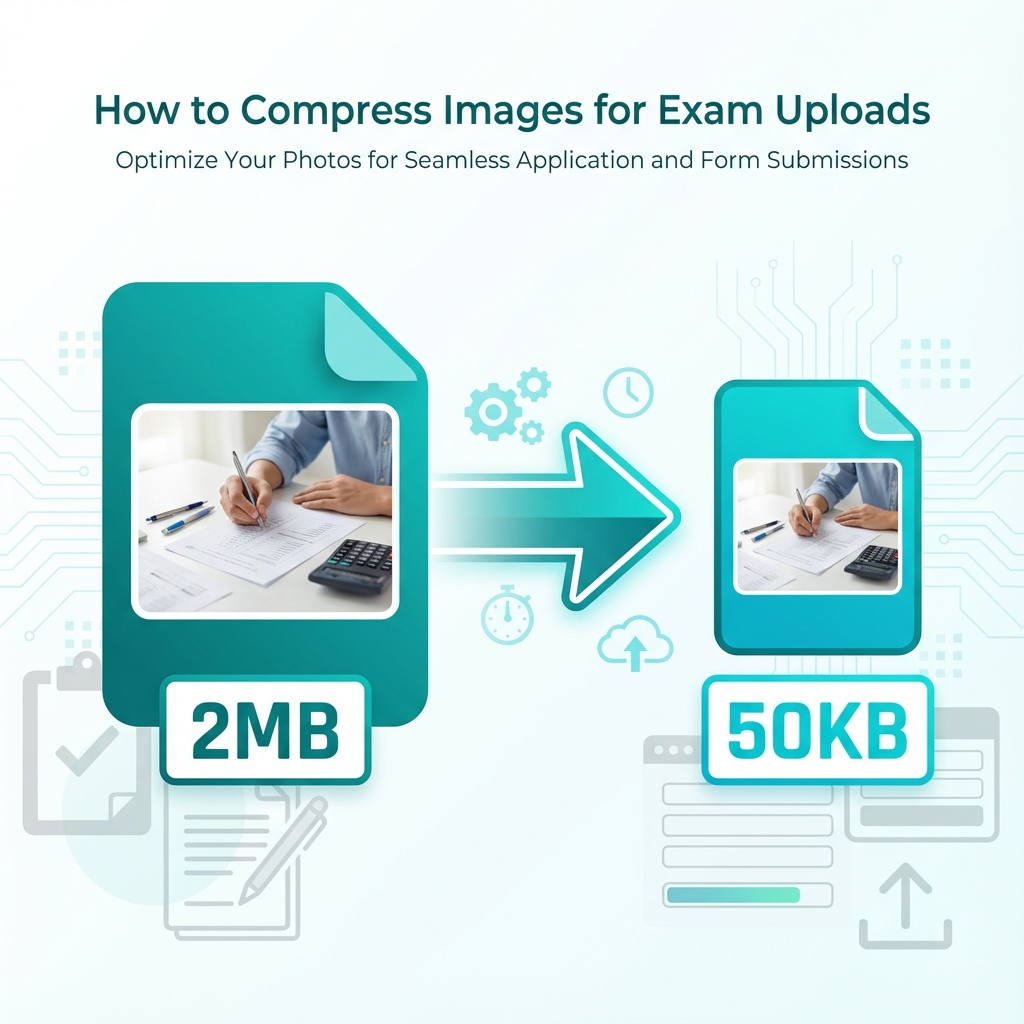
Introduction – The Upload Sizing Dilemma
Every student preparing for national or state-level entrance exams faces the document upload hurdle. You might have a high-resolution, professional passport photo taken at a local studio, but when you attempt to upload it to portals like NEET, JEE, SSC, or Kerala PSC Thulasi, you are met with an error message: *"File size exceeds the maximum limit"*.
Most digital cameras and modern smartphones capture photographs that range from 3 MB to 10 MB. However, exam portals restrict uploads to as low as **10 KB or 50 KB**. Directly compressing images using generic tools often makes the face or text blurry, resulting in immediate application rejection. This guide teaches you how to reduce image file size correctly while keeping your documents clean and legible.
Why Do Exam Portals Have File Size Limits?
Exam portals restrict file sizes for several technical reasons:
- Server Scalability: With millions of candidates submitting applications, keeping images under 50 KB ensures the servers don't crash under the heavy load of file uploads.
- Network Bandwidth: Candidates from rural areas with slower internet connections need to be able to upload documents easily. Smaller files transmit faster.
- Admit Card Generation: Automated PDF generation engines compile thousands of admit cards every minute. Small, optimized JPEGs ensure these documents generate and load quickly.
Common Photo & Signature Limits
To avoid upload errors, note the size limits of different exams before processing your files:
| Examination Name | Photo File Size Limits | Signature File Size Limits | Preferred Format |
|---|---|---|---|
| NEET UG (NTA) | 10 KB to 200 KB | 4 KB to 30 KB | JPG / JPEG only |
| JEE Main (NTA) | 10 KB to 200 KB | 4 KB to 30 KB | JPG / JPEG only |
| SSC CGL / CHSL | 20 KB to 50 KB | 10 KB to 20 KB | JPG / JPEG only |
| UPSC Civil Services | 20 KB to 300 KB | 20 KB to 300 KB | JPG / JPEG only |
| IBPS PO / Clerk | 20 KB to 50 KB | 10 KB to 20 KB | JPG / JPEG only |
| Kerala PSC (Thulasi) | Up to 30 KB | Up to 30 KB | JPG only |
| GATE (GOAPS) | 10 KB to 200 KB | 5 KB to 150 KB | JPG / JPEG only |
Lossy vs Lossless Compression Explained
When compressing files, it is helpful to understand the two main compression methods:
- Lossless Compression: Reduces file size without discarding any image data. Formats like PNG use this method. While it keeps the image perfect, the resulting files are too large for exam portals.
- Lossy Compression: Discards less critical visual data (e.g., slight color variations) to achieve much smaller file sizes. The JPG/JPEG format uses this method. By adjusting the quality parameter, you can compress a 3 MB file down to 30 KB with minimal visible loss of detail. This is the ideal format for exam uploads.
Step-by-Step Guide to Compressing Photos
To compress your photos securely, follow these steps:
- Crop First: Use an image cropper to focus the frame on your head and shoulders, keeping your face centered. This removes unnecessary background detail, immediately reducing the file size.
- Resize to Target Pixels: Change the physical dimensions to match the exam requirements (e.g., 150x200 pixels for Kerala PSC, or 3.5x4.5 cm for SSC).
- Upload to Compressor: Open MyExamPhoto's free local Image Compressor.
- Set the Target: Choose your required file size limit (e.g., "under 50 KB" or "under 20 KB").
- Download: The tool adjusts the JPEG quality parameter automatically and provides a compliant, high-quality output file for download.
📸 Before You Upload Your Photo
Don't risk application rejection! Use our free tool to resize your photo to exact exam specifications.
Create Perfect Exam Photo →