
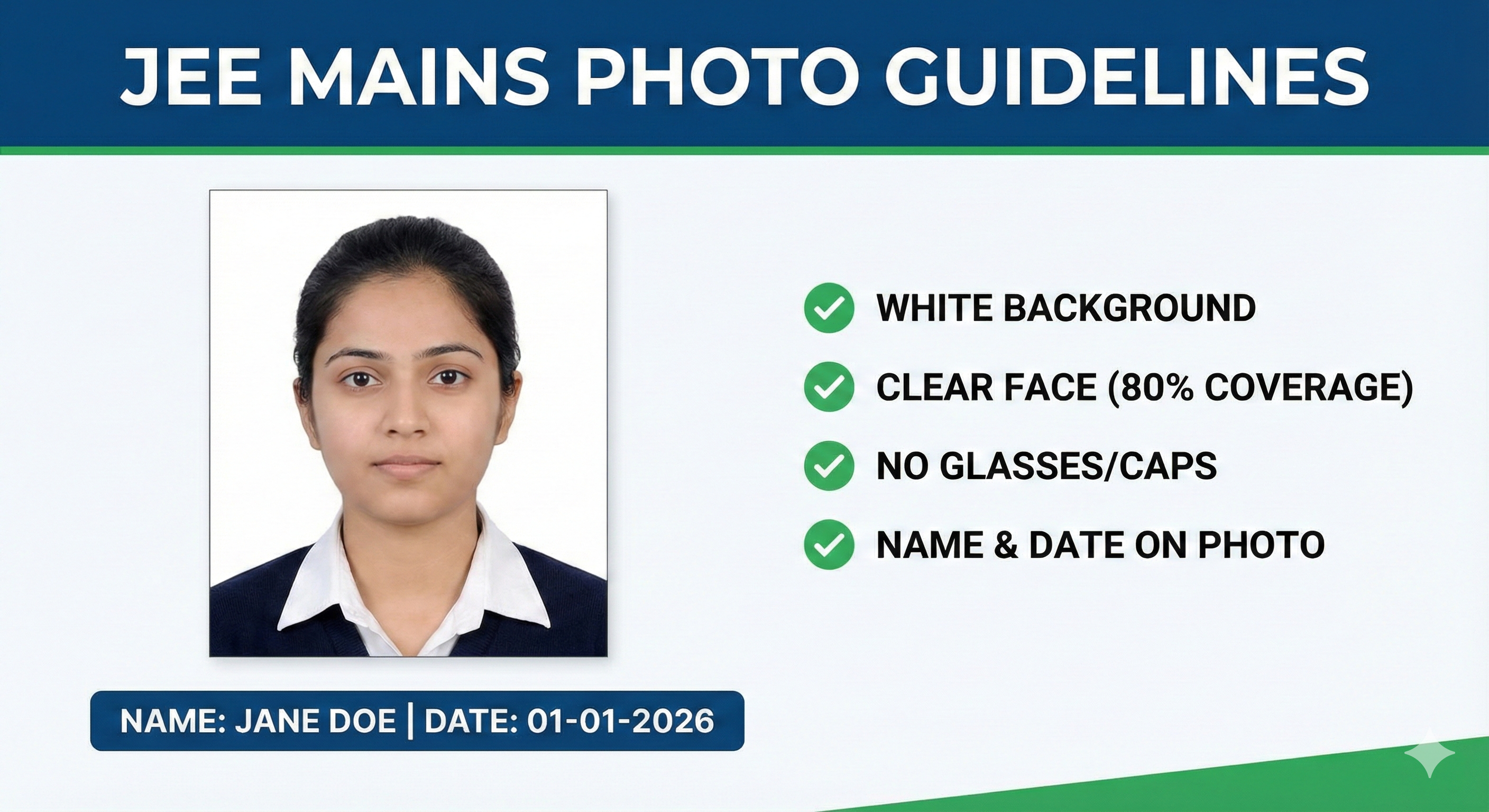
Why Photo Requirements Matter for JEE Main
JEE Main is one of India's most competitive engineering entrance exams, with over 12 lakh candidates appearing annually. The NTA (National Testing Agency) processes all applications through automated systems that verify each uploaded document for compliance with the stated specifications.
A wrong photograph doesn't just risk form rejection — it can also create problems at the exam center where invigilators compare your admit card photo against your physical appearance. If there's a discrepancy (for example, you look significantly different in the photo compared to your current appearance), you may face additional scrutiny or be asked to produce extra identification.
Beyond the exam hall, your JEE application feeds into the JoSAA counselling process. Any discrepancy in your documents at this stage can cause complications during seat allotment. Getting it right the first time saves you the stress of dealing with the correction window.
JEE Main Photograph Specifications
| Parameter | Requirement |
|---|---|
| Physical Size | 3.5 cm × 4.5 cm (approx. 1.4 × 1.8 inches) |
| File Format | JPG / JPEG only |
| File Size | 10 KB to 200 KB |
| Background | White (plain, no patterns) |
| Face Position | Centered, looking directly at the camera |
| Expression | Neutral, mouth closed, eyes open |
| Recency | Taken within the last 6 months |
| Spectacles | Allowed if worn regularly; no glare, no tinted lenses |
| Head Covering | Not allowed (religious exceptions apply) |
| Date/Name Stamp | Not mandatory, but check current information bulletin |
Signature Specifications
Your signature image must be a scanned or clear photograph of your actual handwritten signature. This must exactly match the signature you will provide at the JEE Main exam hall.
| Parameter | Requirement |
|---|---|
| Physical Size | 3.5 cm × 1.5 cm |
| File Format | JPG / JPEG only |
| File Size | 4 KB to 30 KB |
| Background | White paper, clean |
| Ink Color | Black or dark blue ink |
| Style | Running/cursive handwriting — NOT all capitals |
| Consistency | Must match exactly what you'll sign at the exam hall |
The ideal method: Sign on plain A4 paper with a black ballpoint pen. Photograph it under bright daylight with a steady hand (no blurring). Then use the Signature Resizer tool to crop and compress it to the exact dimensions.
Left Hand Thumb Impression
NTA requires your left hand thumb impression for biometric identification on exam day. The scanned/photographed impression must be clear enough to show the ridges of your fingerprint.
- Use an ink pad (blue or black) — available at any stationery shop
- Press your left thumb firmly and evenly on clean white paper
- The impression must be complete — not cut off at any edge
- No smudging — let it dry completely before photographing
- Same file format and size limits as the signature (JPG, 4–30 KB)
📸 Before You Upload Your Photo
Don't risk application rejection! Use our free tool to resize your photo to exact exam specifications.
Create Perfect Exam Photo →