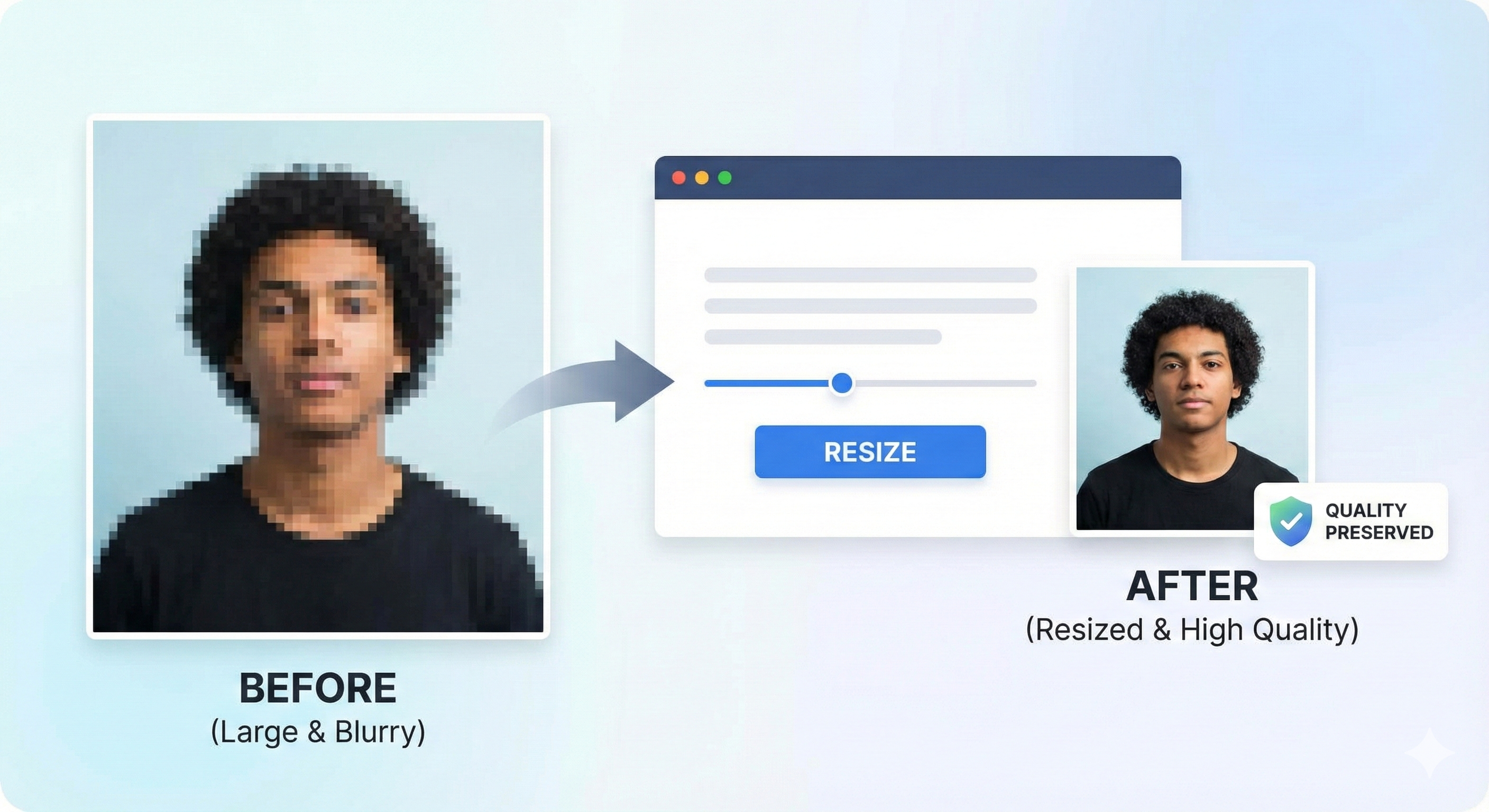
Reducing an image's file size often leads to pixelation or blurriness. However, for exam applications, you need both a small file size and a clear image. Here is how to achieve that.
Why Do Photos Lose Quality?
Compression algorithms remove data to save space. If compressed too much, details are lost.
Tips for High-Quality Resizing
- Start with a High-Res Source: Don't use a tiny WhatsApp thumbnail as your source image. Use a photo taken directly from your camera.
- Use Smart Compression: Tools like MyExamPhoto use algorithms that reduce file size by removing metadata and optimizing colors without affecting visual clarity.
- Correct Aspect Ratio: Cropping to the exact ratio (e.g., 3.5:4.5) prevents the image from looking stretched or squashed.
Before You Upload Your Photo
Don't risk application rejection! Use our free tool to resize your photo to exact exam specifications.
Create Perfect Exam Photo →Frequently Asked Questions
How can I reduce photo size to 20KB?
Use an online compressor like MyExamPhoto that allows you to set a maximum file
size limit.