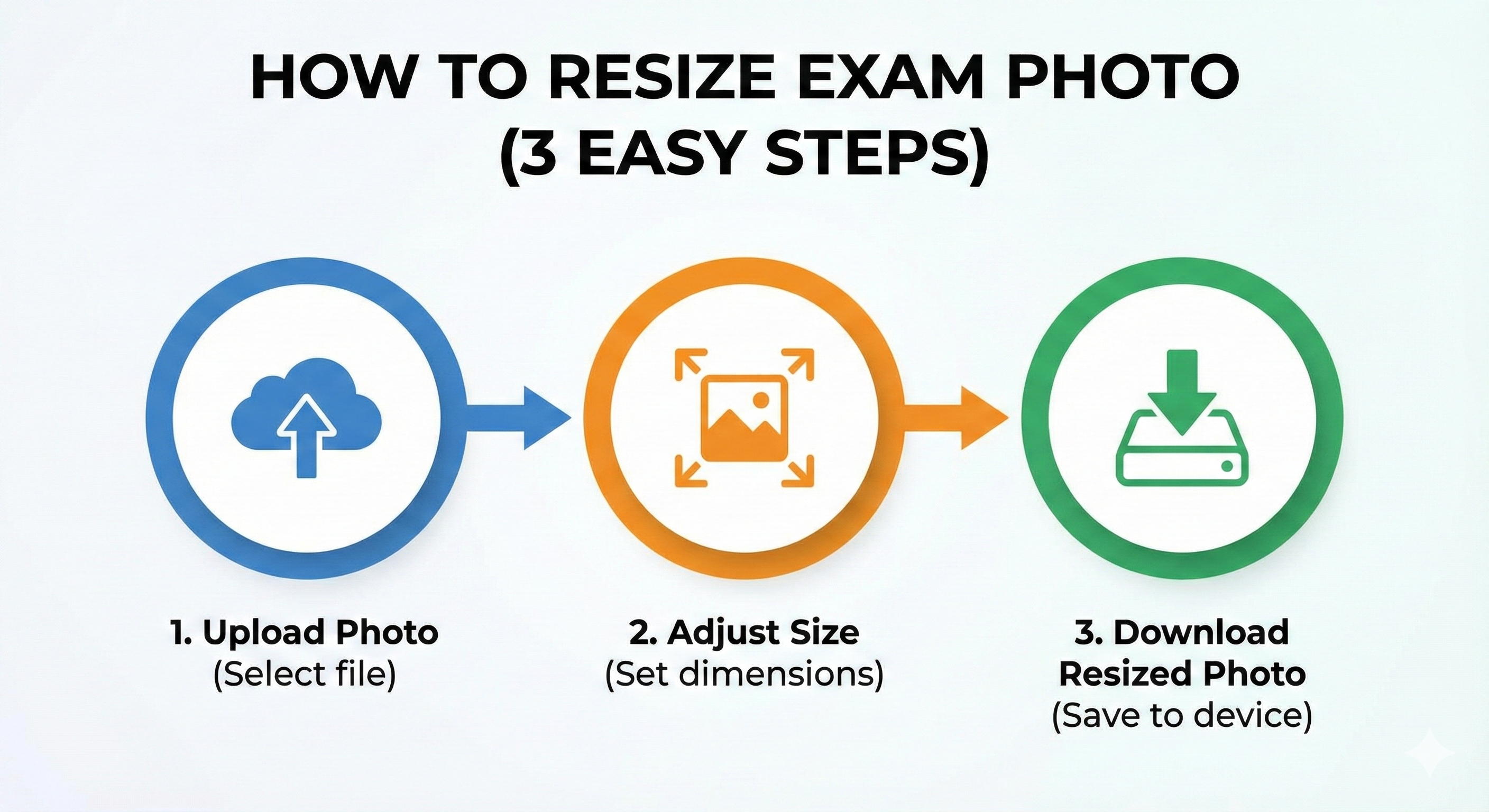
Ready to prepare your photo? Follow these simple steps to use our tool effectively.
Step 1: Choose Your Exam
Select your target exam from the dropdown menu. This automatically loads the correct dimensions and file size limits.
Step 2: Upload Photo
Click the upload box and select your photo file. You can also drag and drop the file.
Step 3: Crop
A cropper window will appear. Adjust the box to frame your face and shoulders correctly. Use the scroll wheel to zoom in or out.
Step 4: Process
Click 'Process Photo'. The tool will resize and compress the image instantly.
Step 5: Download
Check the preview and the final file size. If it looks good, click 'Download'. Your photo is now ready for upload!
Before You Upload Your Photo
Don't risk application rejection! Use our free tool to resize your photo to exact exam specifications.
Create Perfect Exam Photo →