
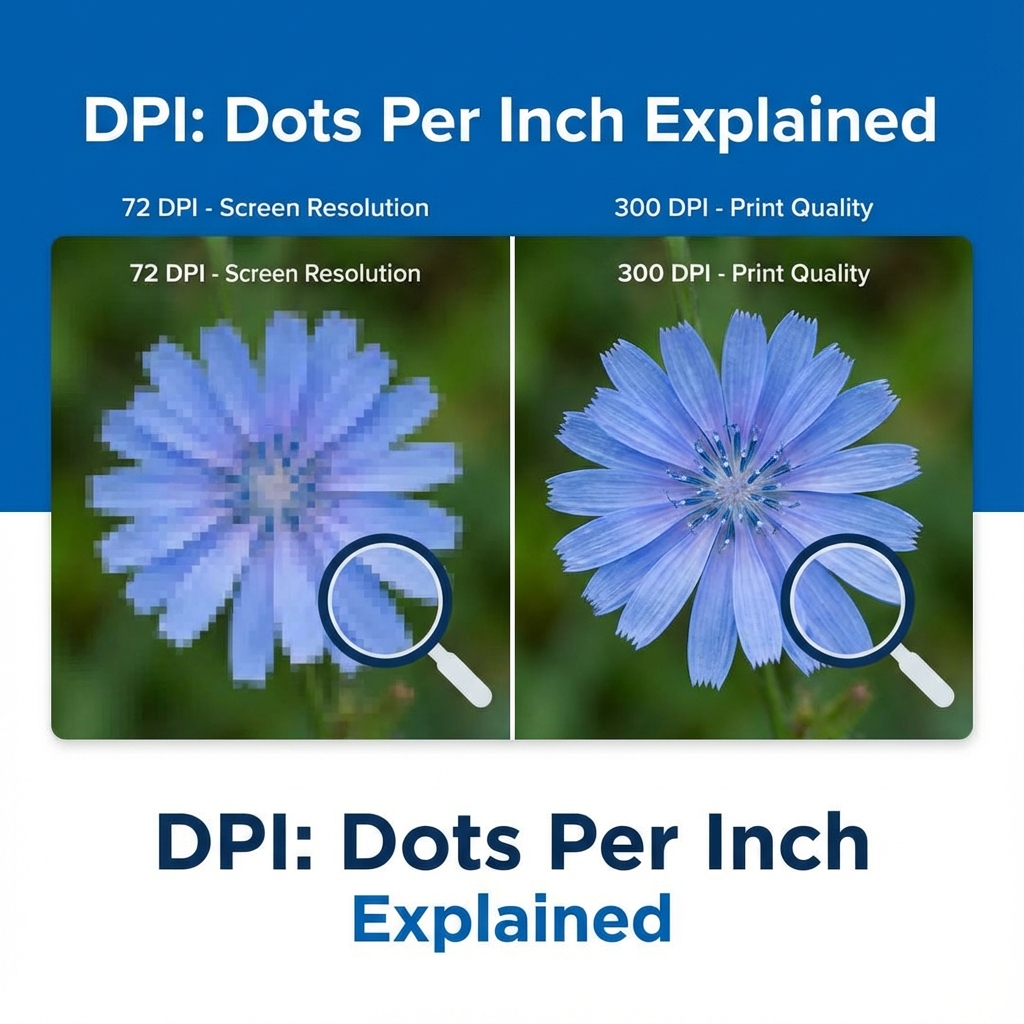
1. Introduction to the DPI Dilemma
If you have ever filled out an online application form for an official recruitment, exam, or passport in India, you have likely run into the dreaded "DPI" specification. You might get a message stating, "Upload photograph of size 150x200 pixels at 200 DPI" or "Scanned signature must be 300 DPI". When you try to upload a photo that appears clear and crisp on your computer screen, the portal rejects it with a vague error message: "Invalid Image DPI."
This is easily one of the most confusing requirements for candidates applying for exams. Most modern smartphones capture photographs at resolutions like 12 megapixels or higher, yet government portals refuse to accept them. Let's explore exactly what DPI is, why these portals require it, and how to change it on your photo safely without destroying its visual quality.
2. What Is DPI? Demystifying the Acronym
DPI stands for Dots Per Inch. Historically, DPI is a term originating from physical printing. It refers to the physical density of ink dots that a printer places on one square inch of paper. The higher the DPI, the closer together those ink dots are, resulting in a cleaner and sharper printed photo.
When applied to a digital image file, DPI acts as a set of instructions (or metadata) written inside the file's header. It tells a physical printer or scanner: "If this file is ever printed on paper, print it at this density."
The relationship between physical print size, pixels, and DPI can be represented by a simple math equation:
Physical Printed Size (Inches) = Pixel Dimensions / DPI
For example, if you have an image that is 600 pixels wide, and its metadata is set to 300 DPI, it will print at exactly 2 inches wide (600 divided by 300). If the same image has its metadata set to 150 DPI, it will print at 4 inches wide (600 divided by 150). However, the number of pixels on your screen has not changed at all—only the printing instruction changed.
3. DPI vs. PPI: What is the Difference?
In digital design, there is a technical distinction between DPI (Dots Per Inch) and PPI (Pixels Per Inch):
- PPI (Pixels Per Inch): Measures the density of pixels on a digital screen. It refers to the number of light-emitting pixels that make up the screen displays on your computer, laptop, or phone.
- DPI (Dots Per Inch): Measures the density of ink droplets printed on paper. It has absolutely no physical representation on a digital display.
In practice, the terms are often used interchangeably by software and exam portals. When a website asks for "200 DPI", it is asking for the file's internal metadata tag (technically PPI in digital image formats) to be set to that specific number. Whether you call it DPI or PPI, the metadata header is what needs to be changed.
4. Why Do Exam Portals Require a Specific DPI?
Why do portals require 200 or 300 DPI when the photo is just displayed on a screen? The reason is twofold:
- Physical Document Verification: When you qualify for a government job or pass an entrance exam, the authorities print your application photo on admit cards, registration certificates, and physical archives. If they print a low-DPI photo, the printout will be blurry, making it difficult to verify your identity at the exam center.
- Legacy Verification Software: Many government portals (like Kerala PSC Thulasi, UPSC, and banking exam portals) run automated scripts to validate uploads. These scripts read the binary header of your image. If the header lacks the exact
XResolutionorYResolutionmetadata tags, the code automatically rejects the file—even if the photo is visually pristine.
5. DPI Requirements for Popular Indian Exams
Different exams have different rules regarding the embedded DPI. The table below outlines standard configurations for major Indian portals:
| Exam Portal | Required DPI | Pixel Dimensions | Max File Size (KB) |
|---|---|---|---|
| Kerala PSC Thulasi | Strictly 200 DPI | 150 x 200 px | 30 KB |
| UPSC Online Portal | 300 DPI recommended | 350 x 350 px (Min) | 300 KB |
| SSC (Staff Selection) | 200 DPI | 3.5 x 4.5 cm (350x450 px) | 20 KB - 50 KB |
| JEE Mains / NEET | 300 DPI | Passport & Postcard sizes | 10 KB - 200 KB |
| Banking (IBPS / SBI) | 200 DPI | 200 x 230 px | 20 KB - 50 KB |
📸 Before You Upload Your Photo
Don't risk application rejection! Use our free tool to resize your photo to exact exam specifications.
Create Perfect Exam Photo →