
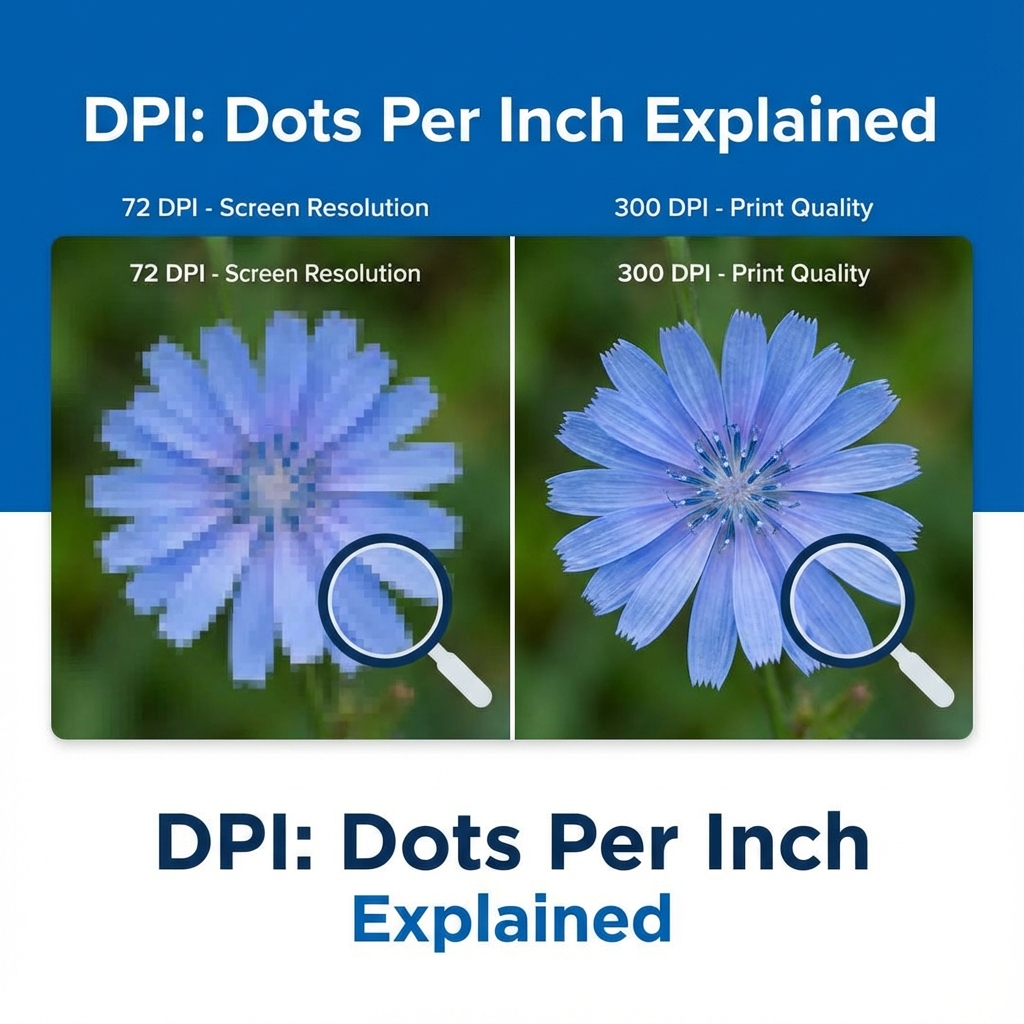
You're filling out a form and suddenly it asks for "200 DPI". You have no idea what that means, so you Google it, and now you're even more confused. DPI (Dots Per Inch) is the most misunderstood requirement in the history of online exams. Let's simplify it.
- Web / Screen: Usually 72 or 96 DPI. (Standard)
- Printing / Passport: 300 DPI. (High Quality)
- Kerala PSC: Specifically 200 DPI. (Don't ask why, just do it).
⚡ Convert DPI Instantly
Change photo metadata to 200 or 300 DPI without quality loss.
Go to DPI Converter →Is DPI visible? No.
Here is the secret: DPI is just a text tag hidden inside your image file. On a screen, a 72 DPI photo and a 300 DPI photo look exactly the same if the pixel dimensions (e.g., 200x200 px) are the same. However, old government software reads this tag. If it sees "72" instead of "200", it rejects you. It's silly, but it's the rule.
2026 Common Requirements
- Passport Photos: 300 DPI (High Quality Print Standard).
- Kerala PSC: 200 DPI (Strict Requirement).
- General Exams: Usually ignore DPI, but 200 is a safe bet.
How to Fix DPI Mismatch
You don't need Photoshop. Our free online tool modifies the image header to reflect the correct DPI value without re-compressing your image.
- Upload your photo to our DPI Converter.
- Select 200 DPI or 300 DPI.
- Download. The file size barely changes, but the system will now accept it.